Master Your Line Sheets: Editable Canva Templates
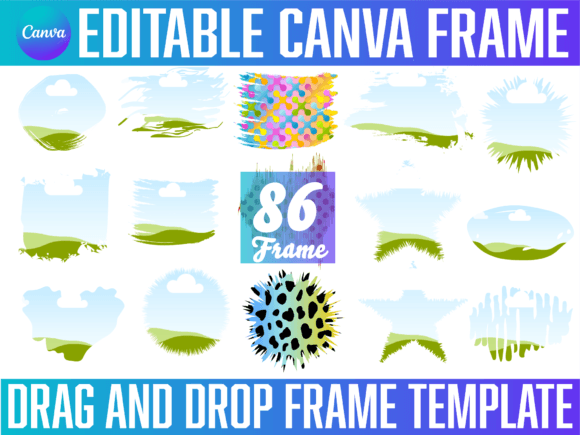
As a designer or business owner, you know that a line sheet is more than just a list of products; it is a visual handshake with your buyer. However, creating these documents from scratch is often a drain on resources. This is where Editable Line Sheet Templates come into play. These are not static PDFs or rigid software files. Instead, they are dynamic design assets built directly within Canva. They utilize Canva frames—pre-designed layouts that act as containers for your content—to ensure your products, artwork, or collections look cohesive and professional. Whether you are pitching to a boutique buyer, presenting a new collection to a client, or organizing your portfolio, these templates offer a streamlined path to a polished result.
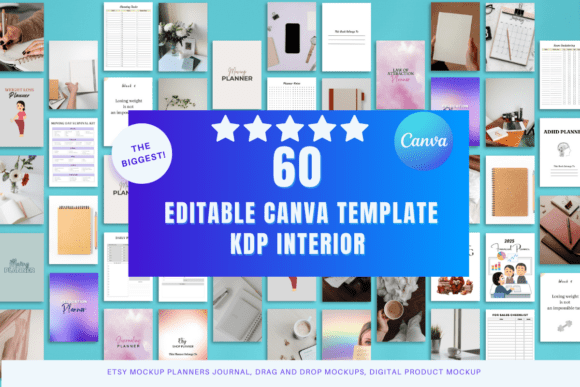
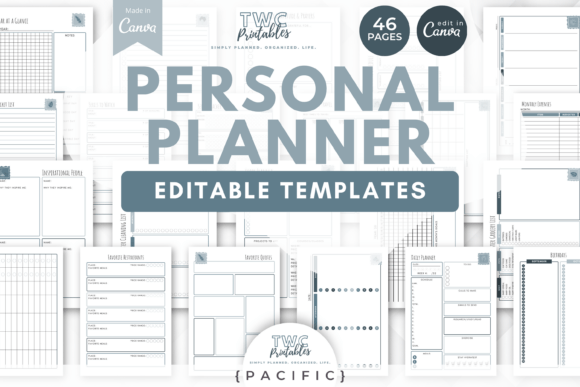
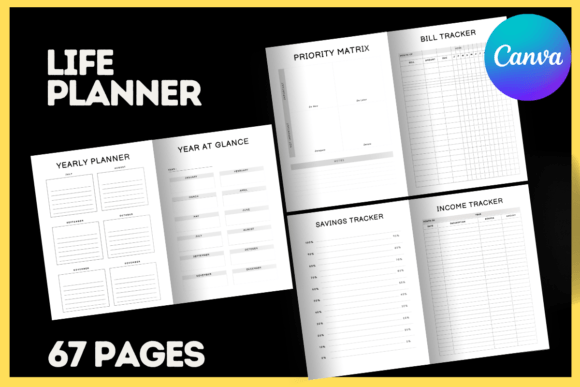
The visual personality of these templates varies widely, but they all share a common goal: clarity. A well-designed line sheet template prioritizes the product. You will find styles ranging from ultra-minimalist layouts that let high-resolution photography do the talking, to more editorial designs that incorporate brand elements and typography. The "frames" aspect is crucial here. In Canva, frames allow you to drag and drop an image into a specific shape—be it a square, circle, or complex mask—without worrying about cropping ratios or alignment. This feature ensures that every image on your line sheet is perfectly sized and positioned, creating a rhythmic visual flow that guides the buyer’s eye from one product to the next.
Streamlining Your Workflow with Drag-and-Drop Design
For many creative professionals, the gap between a finished product and a finished presentation is where time gets lost. Editable Line Sheet Templates bridge this gap by handling the heavy lifting of layout and structure. Because they are built for Canva, they are inherently accessible. You do not need a subscription to expensive, complex desktop publishing software. Instead, you work in a browser-based environment that is intuitive and collaborative. This is particularly valuable for small business owners and content creators who may not have formal training in graphic design. The templates provide the visual hierarchy—the logical order of information—so you can focus on the content itself.
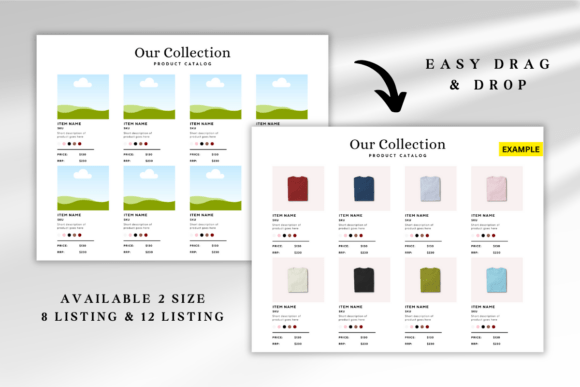
Consider the practical application. If you are a jewelry designer, your line sheet needs to communicate dimensions, materials, and wholesale pricing clearly. A template with a clean grid layout and dedicated text blocks ensures this information is easy to scan. If you are a photographer presenting a portfolio to a magazine editor, a template with larger image frames and minimal text allows your work to stand out. The ability to customize these elements is key. You can adjust colors to match your brand identity, swap out fonts to better suit your voice, and rearrange sections to emphasize best-sellers. This flexibility means a single template can serve multiple purposes, from a seasonal catalog to a one-off product launch.
Ensuring Professionalism and Brand Consistency
First impressions in business are often visual. When a potential client or retailer opens your line sheet, the quality of the presentation directly influences their perception of your brand. A cluttered, poorly formatted document can undermine even the best products. Conversely, a clean, well-organized sheet signals professionalism and attention to detail. Editable Line Sheet Templates are designed with this in mind. They incorporate principles of modern typography and layout, ensuring that text is readable, spacing is balanced, and the overall aesthetic is current.
Consistency is another major benefit. When you use a template, you are not starting from zero each time. This helps maintain a consistent look across all your marketing materials, which is vital for brand recognition. Over time, your audience will come to associate that specific style—those particular frames, that color palette, that font pairing—with your business. This builds trust and makes your materials instantly recognizable in a crowded inbox or on a busy trade show floor. The templates are also scalable, meaning they will look sharp whether viewed on a smartphone, a laptop, or printed out for a meeting.
Practical Guidance for Choosing and Using Templates
Selecting the right template requires a bit of foresight. Start by considering your specific needs. How many products or items do you need to feature? Do you require space for detailed descriptions and specifications, or is a simple grid of images sufficient? Look for templates that offer a logical structure for your content. It is also wise to evaluate the included styles. Some templates come with multiple color variations or layout options, giving you more versatility.
Once you have a template, the customization process is straightforward but important. Begin by uploading your images and inserting them into the Canva frames. Pay attention to the quality of your photos; even the best template cannot salvage a blurry or poorly lit image. Next, update the text. This is where you communicate the essential details: product names, SKUs, prices, and descriptions. Be concise and use a font that is easy to read at small sizes. Finally, review the overall composition. Ensure there is enough white space to prevent the design from feeling cramped. Test the file by sharing it digitally or printing a proof to check for any issues with alignment or color.
Remember, these are digital items. No physical product will be shipped to your home. You are purchasing instant access to a design file that you can download and start using immediately. This immediacy is a huge advantage when you are working against a deadline. By leveraging these design assets, you can elevate your presentations, save valuable time, and present your work with the confidence that comes from a polished, professional layout.